Daily Life
Electronic Fapiao in China: A Personal Record Guide for Foreign Residents
Organize electronic fapiao in China by checking buyer details, invoice status, file formats, reimbursement links, and secure long-term records.
Rules and procedures can change. Check the linked official sources before acting on time-sensitive information.
Quick answer
What you need to know
A practical workflow for receiving, checking, naming, storing, and using electronic invoices without confusing them with receipts or payment screenshots.
- A payment confirmation, order page, receipt, and fapiao are different records; keep the ones required for your purpose.
- Check seller, buyer, amount, date, item description, invoice number, and tax information promptly.
- Store the original electronic file and preserve its relationship to the order, payment, and reimbursement claim.
- Use official tax channels or professional advice when verification, correction, or tax treatment matters.
Electronic invoices may arrive through email, a mini program, merchant app, download page, or messaging link. A simple filing routine helps foreign residents support reimbursement, insurance, warranty, rental, or personal-budget records without relying on a screenshot that later becomes unreadable.
Know which record you received
An order confirmation shows what you requested. A payment record shows money movement. A receipt may acknowledge collection. A fapiao is a tax invoice with defined invoice data. One transaction may create several records, and the document needed by an employer, insurer, landlord, or warranty provider may differ.
Ask the seller when the fapiao will be issued, how it will be delivered, and what buyer information is required. For company reimbursement, copy the exact company name and taxpayer information from the employer’s approved source rather than typing from memory. The work expense reimbursement guide explains the internal-claim side.
Check before the correction window closes
Open the file through a trusted channel and review the seller name, buyer details, invoice date, amount, item or service description, invoice number, and other visible tax data. Match it to the order and payment. If something is wrong, contact the seller; do not change the PDF, image, or data file yourself.
Use only official verification methods recommended by the tax authority when authenticity matters. Be cautious with links or QR codes sent from unknown accounts, and never provide a bank password or one-time code to obtain an invoice. China’s State Taxation Administration provides official information through chinatax.gov.cn.
Build a durable file trail
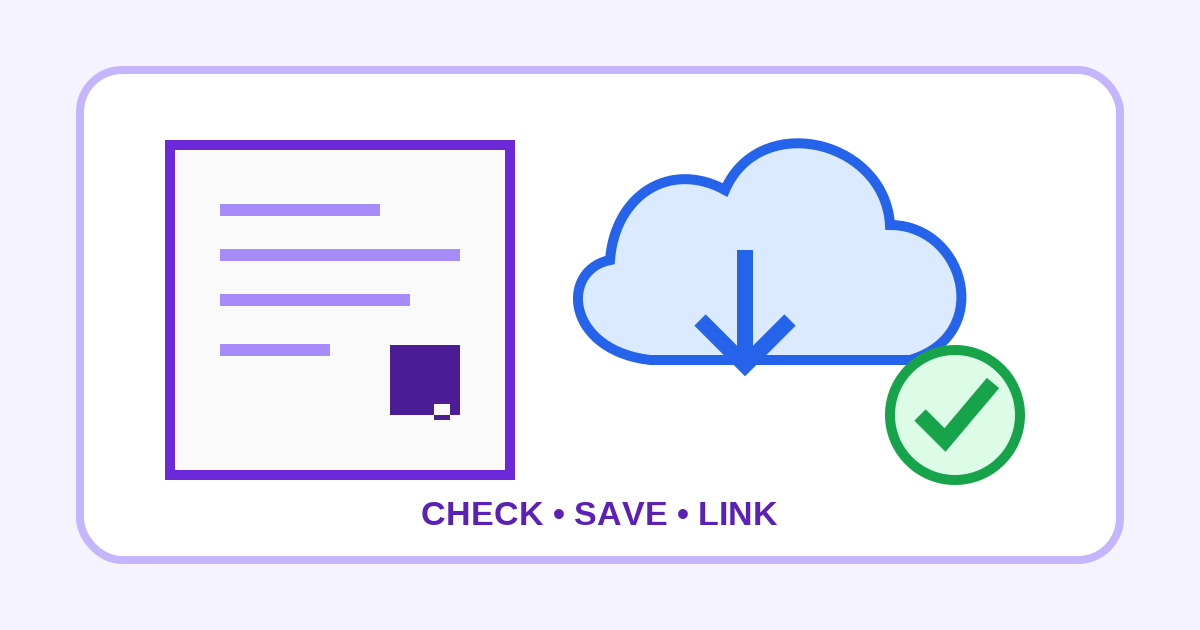
Save the original file, not only a screenshot or chat preview. Use a consistent name such as 2026-10-08_seller_amount_invoice-number, then store it beside the order, payment confirmation, contract or warranty, and reimbursement claim. Keep a backup in an approved secure location and restrict files containing identity, address, or company information.
For medical expenses, link the invoice to the itemized bill and clinical record; the hospital bills and fapiao guide covers that workflow. For household tracking, connect it to the daily budgeting guide.
Electronic fapiao checklist
- Confirm the document type and intended use.
- Provide buyer details from an authoritative saved source.
- Match seller, date, amount, items, invoice number, order, and payment.
- Save the original electronic file and any required structured data.
- Record corrections, cancellations, or reissued invoices.
- Link the invoice to reimbursement, insurance, warranty, or contract records.
- Back up securely and follow the longest applicable retention rule.
- Use official tax channels or a qualified adviser for verification and tax questions.
This is general record-keeping information, not tax, accounting, employment, cybersecurity, or legal advice. Requirements change by transaction and recipient; confirm with the seller, employer, insurer, tax authority, or qualified professional.
Frequently asked questions
Common questions
Is a payment screenshot an electronic fapiao?
No. A payment record proves a transaction step, while a fapiao is an invoice issued through the applicable tax-invoice system.
Should I print an electronic fapiao?
A printout may help with a particular workflow, but preserve the original digital file and follow the recipient's document rules.
What if my name or company details are wrong?
Contact the seller promptly and ask about cancellation or correction under the applicable process. Do not edit the invoice file yourself.
How long should I keep electronic invoices?
Retention depends on personal, employer, tax, insurance, warranty, and contractual needs. Follow the longest relevant policy and ask a professional when uncertain.