Working in China
Workplace Ergonomics and Desk Setup in China: A Guide for Foreign Employees
How foreign employees can document workstation needs, adjust desks and screens, plan movement breaks, and request employer support in China.
Rules and procedures can change. Check the linked official sources before acting on time-sensitive information.
Quick answer
What you need to know
Set up the workstation around your actual tasks, make small measured adjustments, report discomfort early, and document any equipment or medical support request.
- Adjust the chair, screen, keyboard, mouse, lighting, and frequently used items as one system.
- Use regular position changes and task variation instead of relying on one perfect posture.
- Report pain, numbness, weakness, headaches, or vision problems early through the appropriate workplace and medical channels.
- Record agreed equipment, ownership, assessment, review dates, and remote-work arrangements.
A workstation that feels acceptable for ten minutes can become uncomfortable across a full week. Foreign employees can make the conversation easier by connecting specific tasks and symptoms to specific, testable changes rather than asking vaguely for “better ergonomics.”
Map the work you actually do
List how much time you spend typing, reading, video calling, using multiple screens, handling paper, or working on a laptop away from the desk. Note glare, noise, temperature, reach, and any equipment shared across shifts.
Photograph the setup for your own assessment without capturing confidential material or colleagues. Record discomfort patterns and when they appear. Do not self-diagnose an injury from posture alone.
Adjust the workstation as a system
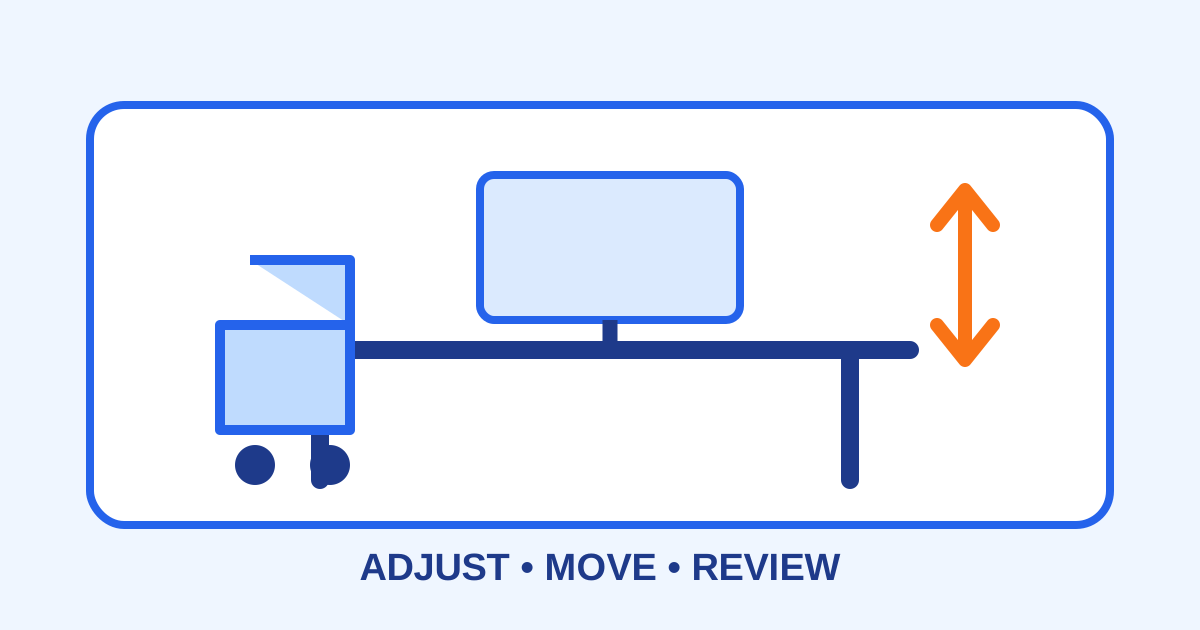
Start with stable support and comfortable reach. Adjust the chair, desk, screen height and distance, keyboard, mouse, foot support, lighting, and document position together. A laptop used for long sessions may need separate input devices and a suitable screen position.
Change one or two things, then review the effect. Frequent position changes, short movement opportunities, and task variation are generally more practical than holding a rigid “perfect” posture all day. Ask a qualified ergonomics or occupational-health professional for individual guidance.
Raise issues through the right channel
Tell the manager, facilities team, HR, or occupational-health contact what task is difficult, what you have tried, and what assessment or adjustment you are requesting. If a health condition affects work, the workplace health-support guide provides a documentation framework.
For pain, numbness, weakness, recurring headaches, or visual symptoms, seek qualified medical advice. Urgent, severe, or rapidly worsening symptoms need prompt care; this article is not medical advice.
Document equipment and follow-up
Before purchasing anything, confirm specification, budget, approval, supplier, fapiao, delivery, ownership, maintenance, and return rules. For hybrid work, record which location is covered and whether company equipment may be transported.
Agree on a review date after the adjustment. Keep the assessment, approval, equipment serial number, handover record, and outcome notes. The company equipment guide helps with asset control.
Ergonomics checklist
- Main tasks, duration, and discomfort patterns recorded.
- Chair, desk, display, keyboard, mouse, and lighting reviewed together.
- Position changes and task variation planned.
- Confidentiality protected during any assessment.
- Symptoms reported and medically assessed when needed.
- Equipment purchase approved before payment.
- Ownership, fapiao, maintenance, and return terms saved.
- Follow-up date and outcome documented.
The National Health Commission is an official national health source. Workplace duties and individual needs vary, so confirm health questions with a qualified clinician or occupational-health professional and employment arrangements with HR or a qualified local adviser.
Frequently asked questions
Common questions
Can I buy an ergonomic chair and expense it?
Obtain written approval first. Confirm the budget, specification, supplier, fapiao, ownership, delivery location, and what happens to the chair if you move roles or leave.
Is a standing desk automatically better?
No single position suits every person or task. Ask a qualified professional about gradual use, footwear, symptoms, and alternating positions rather than standing continuously.
What should I do if desk work causes pain or numbness?
Report it promptly and seek assessment from a qualified clinician or occupational-health professional. Urgent or severe symptoms need appropriate medical attention.
Does this apply to hybrid work?
Yes. Confirm which location and equipment the employer supports, how assessments work, and whether company devices or furniture may be moved between locations.