Working in China
Office Moves and Desk Relocation in China: A Checklist for Foreign Employees
Prepare for an office move or desk relocation in China, covering access, IT equipment, records, commuting, ergonomics, and HR updates.
Rules and procedures can change. Check the linked official sources before acting on time-sensitive information.
Quick answer
What you need to know
A practical plan for moving workstations or offices while protecting equipment, records, access, and daily work continuity.
- Confirm whether the change is only a desk move or also changes the employing location, commute, access, or registered records.
- Let IT or facilities move managed equipment and keep confidential papers in approved containers.
- Test access, network, phone, meeting rooms, emergency routes, and ergonomic setup before normal work resumes.
- Ask HR whether any employment, work-permit, tax, insurance, or policy record needs review.
An office move may be as small as changing floors or as significant as relocating across a city. A written plan reduces lost equipment, inaccessible accounts, confidential-paper exposure, and confusion about where foreign employees are expected to work.
Clarify what is changing
Ask for the move date, new address and floor, first reporting time, seating plan, building access process, transport or shuttle changes, remote-work arrangements, and the person coordinating exceptions. Confirm whether clients, vendors, deliveries, business cards, email signatures, or emergency contacts will use the new address.
If the move changes the actual work location rather than just the desk, ask HR to review any implications for the employment contract, internal records, work authorization, individual income tax handling, social insurance, or local registrations. Rules and filing practices vary, so rely on the employer’s authorized professionals and competent authorities rather than assumptions. The workplace relocation and transfer guide covers larger role or city changes.
Pack records and equipment correctly
Separate personal items from company property. Label boxes with the approved destination code, not sensitive project or client names. Use locked or sealed containers for confidential paper and follow the records-retention policy; do not take files home merely for convenience. Back up work only through approved systems.
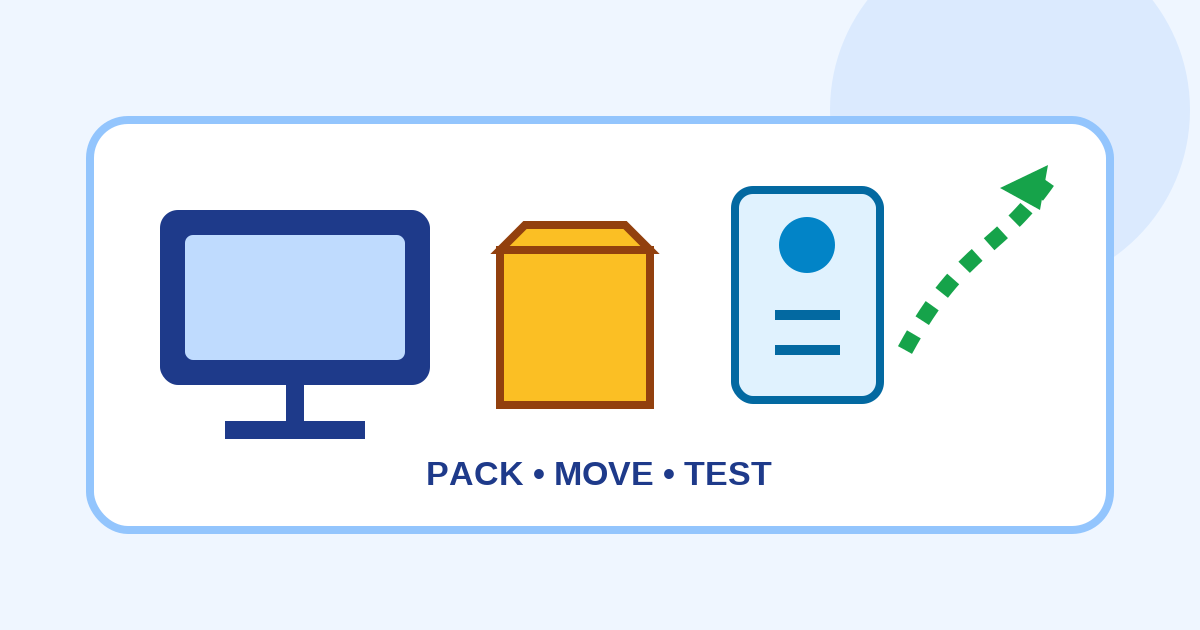
Ask IT or facilities who disconnects and transports computers, monitors, phones, test devices, keys, access cards, and ergonomic equipment. Photograph asset tags if policy permits and sign the transfer inventory. The company asset handover guide provides a record template.
Make the first day usable
Test badge entry, elevator access, network login, multi-factor authentication, printer access, phone routing, shared drives, video rooms, lockers, and booking systems. Find toilets, drinking water, first aid, emergency exits, assembly points, and the facilities desk. Adjust the chair, monitor, keyboard, and lighting rather than working for weeks in a temporary posture; see the workplace ergonomics guide.
Office move checklist
- Save the new address in Chinese and English and check the route at commute time.
- Confirm the reporting date, building entry procedure, and temporary-work plan.
- Inventory company assets before packing.
- Place confidential records in approved sealed containers.
- Update approved contact details, signatures, delivery instructions, and emergency lists.
- Test access, IT, meeting rooms, printing, phone, and shared systems.
- Report missing assets, damage, or access failure immediately.
- Ask HR to confirm whether formal employment or government records need action.
This is general workplace information, not employment, immigration, tax, cybersecurity, or legal advice. Confirm organizational requirements with HR, IT, facilities, the employer’s professional advisers, and the relevant local authorities.
Frequently asked questions
Common questions
Should I move my company computer myself?
Follow the employer's IT and facilities instructions. Managed devices, monitors, lab equipment, and encrypted storage may require authorized handling and inventory sign-off.
Does an office move affect a foreign employee's work permit?
It can depend on what changed and the applicable local process. Ask HR or the employer's authorized immigration adviser to confirm before assuming no update is needed.
What should I test at the new desk?
Test badge access, network, power, display, phone, printing, meeting tools, emergency alerts, storage, and the chair and screen position.
What if the new office changes my commute significantly?
Raise the practical impact early and review the contract, handbook, transport support, hours, and flexible-work rules with HR or a qualified adviser.