Daily Life
Phone and Laptop Repair in China: A Data-Protection Guide for Foreign Residents
A practical guide for foreigners arranging phone or laptop repairs in China, including backups, account security, estimates, parts, warranties, and repair records.
Rules and procedures can change. Check the linked official sources before acting on time-sensitive information.
Quick answer
What you need to know
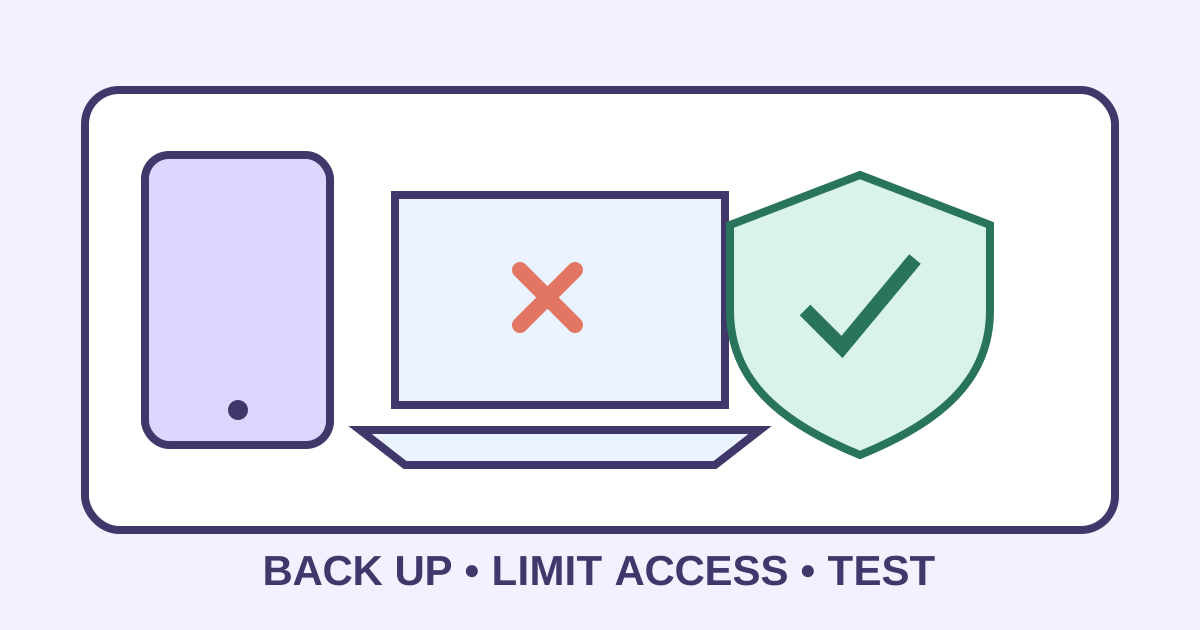
Back up essential data, reduce technician access, verify the repair provider, obtain a written estimate, and test the device before closing the job.
- A repair can expose personal, employer, banking, and identity data even when the fault seems minor.
- Use an authorized or well-documented provider and record the device condition and serial number.
- Ask whether parts are original, compatible, new, refurbished, or salvaged and what warranty applies.
- After collection, test core functions and review accounts, permissions, and security settings.
A cracked screen or failed battery is inconvenient; losing identity scans, work files, payment access, or account control is worse. Before handing over a phone or laptop in China, separate the physical repair from the data-access decision.
Stabilize and back up
If the device is hot, swollen, smoking, wet, or physically unstable, stop using or charging it and seek qualified handling advice. Do not puncture a swollen battery. For ordinary faults, back up essential files and verify that the backup can be accessed from another device.
Record the model, serial or IMEI number, accessories, visible damage, battery health if available, and the problem in writing. Photograph the exterior. The lost phone guide helps identify accounts and identifiers worth recording in advance.
Minimize access
Remove SIM and memory cards when they are not required for testing. Sign out of sensitive apps, remove locally stored passport and financial files, and use manufacturer repair mode, guest access, or a temporary account where supported. Ask the technician to explain why any passcode is needed and whether you can unlock the device during testing instead.
Never disclose banking passwords, payment PINs, or one-time verification codes. For an employer-owned device, follow company IT instructions and the work device security guide before contacting an outside provider.
Document the commercial terms
Prefer the manufacturer or an authorized provider when warranty, waterproofing, safety, or genuine parts matter. Before leaving the device, obtain a job sheet stating the reported fault, diagnostics fee, maximum approved price, turnaround estimate, backup responsibility, and what happens if the repair is declined.
Ask whether replacement parts are original, compatible, new, refurbished, or salvaged; whether old parts will be returned; and what parts-and-labor warranty applies. Do not rely only on an oral chat history—save screenshots and obtain a receipt.
Test before closing the job
At collection, check charging, battery behavior, screen and touch, cameras, microphone, speakers, buttons, Wi-Fi, Bluetooth, mobile signal, biometrics, ports, and accessories. Confirm the serial number and inspect for new damage. Ask for any waterproofing limitation after opening.
Once home, update software, remove repair accounts, review installed apps and permissions, change credentials if exposure is suspected, and monitor important accounts. The mobile payment recovery guide can support payment-account checks.
Device repair checklist
- Safety hazard assessed before powering or charging.
- Working backup created and tested.
- Model, serial number, accessories, and condition recorded.
- SIM, memory card, and sensitive files removed where possible.
- Technician access minimized and explained.
- Written estimate, parts status, timing, and warranty saved.
- Employer IT approval obtained for work devices.
- Hardware and connectivity tested at collection.
- Accounts, apps, permissions, and passwords reviewed afterward.
Official reference point
Consumer, warranty, and data-handling arrangements depend on the product and provider. Confirm important terms in writing, follow manufacturer and employer instructions, and seek qualified technical or legal advice for high-value disputes or suspected data compromise.
Frequently asked questions
Common questions
Should I give a technician my passcode?
Ask what testing requires and whether you can unlock the device yourself, use a repair or guest mode, or remain present. Remove unnecessary access and never share banking passwords or verification codes.
How can I choose a repair shop?
Start with the manufacturer or an authorized network where practical. Otherwise verify the business identity, written estimate, parts description, data policy, warranty, and receipt before leaving the device.
What should a repair receipt include?
Keep the provider details, date, device model and serial number, reported fault, agreed work, parts, price, deposit, warranty, and collection confirmation.
What if the device belongs to my employer?
Stop and follow the employer's IT and security process. An outside repair can violate policy, expose company data, or affect asset and warranty records.