Daily Life
Smart Locks and Access Codes in China Rentals: A Security Guide for Foreign Tenants
How foreign renters can document smart-lock control, change access codes, manage fingerprints and temporary access, and plan for battery or app failures.
Rules and procedures can change. Check the linked official sources before acting on time-sensitive information.
Quick answer
What you need to know
Confirm who controls the smart lock, reset old credentials at handover, protect temporary codes, and prepare a documented backup for power, battery, app, or phone failure.
- Identify the lock model, administrator, registered account, and physical backup method.
- Remove former users and reset codes with the landlord at handover.
- Use limited temporary access for cleaners, guests, and repair workers when supported.
- Agree in writing how lock faults, batteries, emergency entry, and move-out reset are handled.
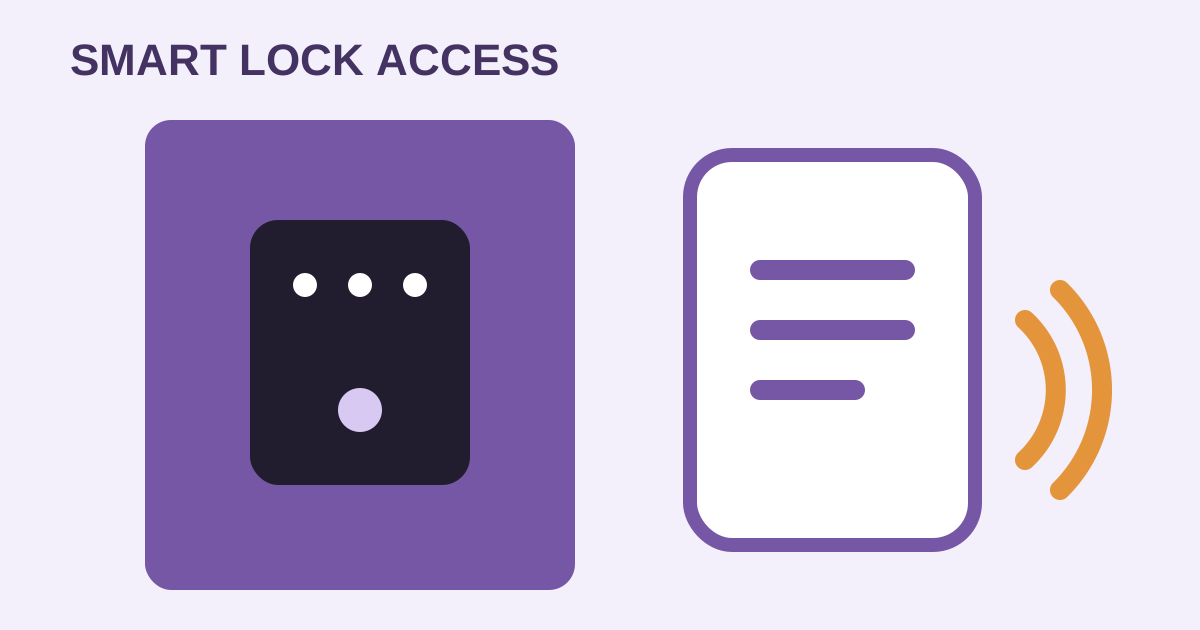
Smart locks are common in Chinese rentals, but convenience can hide an important question: who still has access? At move-in, treat codes, cards, fingerprints, app accounts, and mechanical keys as part of the formal property handover.
Inventory every access method
Record the lock brand and model, serial number if visible, administrator account, mobile app, code types, cards, fingerprints, physical keys, emergency-power port, battery type, and support contact. Photograph condition without exposing live codes.
Ask whether the lock belongs to the landlord, a property manager, or a rental platform. Confirm whether changing hardware requires written permission. The move-in inspection guide helps integrate this with the wider handover.
Reset access at handover
With the owner or authorized manager, remove former tenants, agents, cleaners, contractors, and expired temporary users. Create new credentials and test entry from inside and outside. Record how many physical keys and cards were issued.
Do not assume changing one PIN removes administrator, fingerprint, card, remote, or app access. Ask the manufacturer or authorized installer how a complete credential audit works for that exact model.
Limit routine sharing
Use individual or time-limited codes when the device supports them. Avoid sending the main administrator code through large group chats. After a guest, cleaner, pet sitter, or repair visit, revoke access and check the activity log if available and appropriate.
Respect household, worker, visitor, and neighbor privacy. Confirm what the device records, who can view logs, and how accounts are transferred or deleted. Seek local professional advice for any legal or tenancy dispute.
Prepare for failure
Replace batteries according to manufacturer guidance and respond early to low-battery alerts. Learn the approved emergency-power or mechanical-key process. Store the backup securely outside the locked apartment with a trusted arrangement, not in an obvious nearby hiding place.
If access fails, contact the landlord, property office, lock provider, or a verified locksmith. Confirm identity, scope, price, damage responsibility, and receipt before work. The lockout guide covers urgent recovery.
Smart-lock checklist
- Model, administrator, app, and support route recorded.
- Former codes, cards, fingerprints, and users removed.
- New credentials tested at handover.
- Physical keys and cards counted.
- Temporary access process agreed.
- Battery and emergency-entry method understood.
- Repair and damage responsibility written down.
- Move-out reset and account-transfer steps planned.
Consumer issues may sometimes be directed through China’s official 12315 platform, depending on the provider and facts. For lock changes, access disputes, or privacy concerns, confirm the lease position with the landlord and seek qualified local advice where needed.
Frequently asked questions
Common questions
Should I change the door code after moving in?
Ask the landlord to reset or supervise resetting all prior credentials, including codes, cards, fingerprints, app users, and administrator access. Keep a written handover record.
Who should control the smart-lock app?
The lease and device setup should make control clear. Confirm the registered account, administrator rights, data handling, transfer process, and what access the landlord or property manager retains.
What if the battery dies?
Learn the manufacturer-approved low-battery warning, emergency-power, key, and support procedure before it happens. Do not improvise methods that could damage the lock or door.
Can I give a repair worker a temporary code?
If the lock supports it, use a time-limited credential and remove it afterward. Otherwise arrange supervised access and avoid sharing the main administrator code.