Daily Life
Public Wi-Fi and Shared Network Safety in China: A Guide for Foreign Residents
Use hotel, café, airport, coworking, and shared-apartment networks in China more safely with verification, device settings, account protection, and backups.
Rules and procedures can change. Check the linked official sources before acting on time-sensitive information.
Quick answer
What you need to know
Verify the network, minimize sensitive activity, harden device sharing and accounts, and keep a lawful mobile-data fallback.
- Confirm the exact network name and sign-in method with staff; similar names can be traps.
- Turn off automatic joining, file sharing, device discovery, and unnecessary wireless features in public places.
- Prefer encrypted services and strong multi-factor authentication, and postpone sensitive work when trust is uncertain.
- Carry a lawful mobile-data backup and follow employer security and data-handling rules.
Hotel, airport, café, coworking, and compound networks are convenient, but a familiar-looking name does not prove who operates it. Build a short connection routine before travel or remote work.
Verify before joining
Ask staff for the exact network name, whether a password or official captive portal is used, and whom to contact if the page looks unusual. Treat duplicate names, certificate warnings, unexpected app downloads, and requests for excessive personal information as warning signs. Do not accept files or device-pairing prompts from strangers.
China’s cyberspace authority publishes mobile-device Wi-Fi safety guidance. Security advice evolves, so also follow current operating-system, employer, hotel, and network-provider guidance.
Reduce what the network can reach
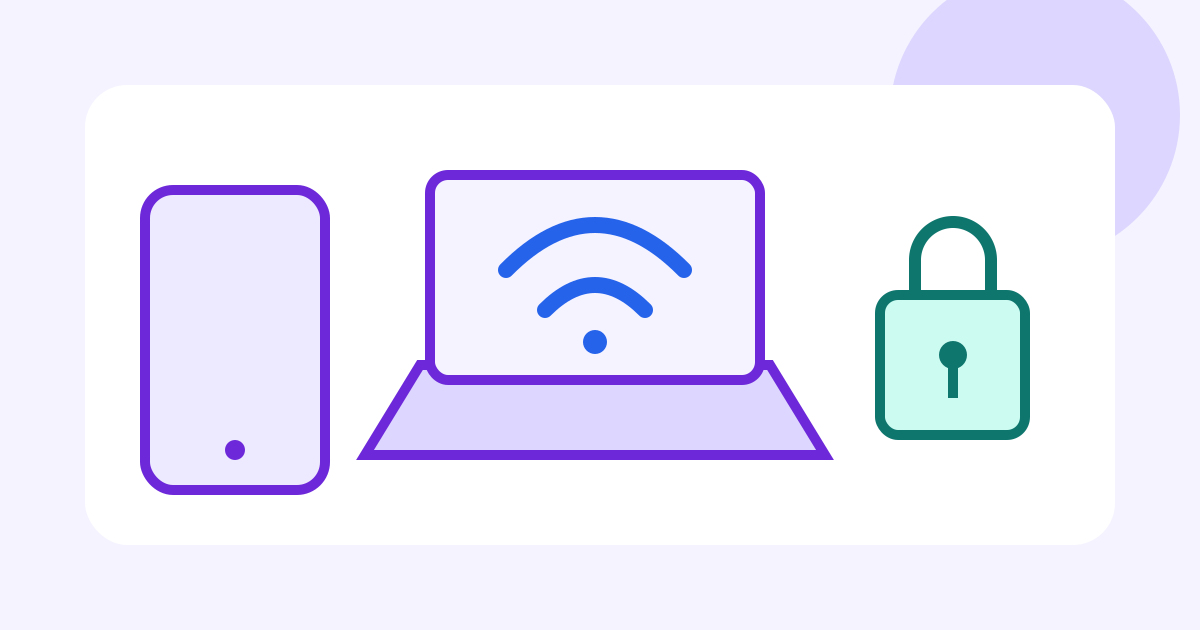
Disable automatic join, file and printer sharing, local device discovery, and unnecessary Bluetooth or nearby-sharing features. Set the connection as public or untrusted when the operating system offers that choice. Keep the operating system, browser, and security software updated.
Use encrypted websites and apps, strong unique passwords, and multi-factor authentication. Never ignore a certificate or browser warning merely to finish a login. Avoid banking, payroll, passport uploads, source-code access, or confidential calls if the network cannot be verified.
For work, follow company rules on approved devices, connections, data location, and incident reporting. The work-device security guide covers account separation and lost-device preparation.
Prepare a fallback and response
Keep adequate mobile data, a charged power bank, offline maps, and essential contact details. The mobile roaming and eSIM guide explains lawful connectivity planning; availability and real-name requirements vary by provider.
If something seems wrong, disconnect, forget the network, turn off sharing, and note the time and location. From a trusted connection, review account sessions, payment alerts, downloads, and security notifications. Contact employer IT promptly if company credentials or files may have been exposed.
Shared-network checklist
- Network name and login method are verified with staff.
- Automatic join, sharing, discovery, and unnecessary wireless features are off.
- Device and browser updates are current.
- Sensitive tasks are postponed when trust is uncertain.
- Multi-factor authentication and unique passwords are enabled.
- Mobile-data and power backups are ready.
Network safety is a layered habit, not a guarantee. Separate work and personal risk, share the minimum data necessary, and do not attempt to bypass local rules or organizational controls.
Frequently asked questions
Common questions
Is a password-protected café network private?
Not necessarily. Many guests may share the password, and the network operator or a malicious participant may still create risk. Use the same caution as on other untrusted networks.
Should I use a VPN?
Follow current Chinese law, your employer's policy, and approved service arrangements. This guide does not advise bypassing network controls.
Is mobile data always safe?
No connection removes account, phishing, malware, or device risks, but your own verified mobile connection can reduce some shared-network exposure.
What if I joined a suspicious network?
Disconnect, forget the network, disable sharing, review accounts and device alerts, update credentials from a trusted connection when appropriate, and contact employer IT if work data may be involved.