Daily Life
Printing, Scanning, and Copy Services in China: A Privacy Guide for Foreigners
Use print and copy shops in China more safely for forms, photos, contracts, school papers, and identity documents with clear format and privacy checks.
Rules and procedures can change. Check the linked official sources before acting on time-sensitive information.
Quick answer
What you need to know
Confirm the recipient's format first, minimize sensitive data, use a trusted transfer method, inspect every page, and delete files from shared equipment before leaving.
- Ask the receiving organization for exact size, color, page, seal, and file requirements before printing.
- Share only the pages needed and avoid leaving sensitive files in public chat groups or shared computers.
- Inspect names, numbers, cropping, scale, duplex order, and legibility before paying or submitting.
- Delete transferred files and collect every original, draft, rejected page, and storage device.
Many applications in China still involve a mixture of phone files, printed forms, passport copies, photos, signed pages, and stamped originals. A neighborhood print shop can help quickly, but format mistakes and unattended personal files create avoidable risk.
Start with the recipient’s checklist
Ask whether the recipient needs an original, photocopy, color copy, black-and-white copy, single-sided print, a specific paper size, a full-page passport image, a reduced copy, a signed scan, or a searchable PDF. Confirm file-size limits, naming rules, required seals, and whether pages must remain in order.
Printing does not turn a translation into a certified translation. Use the certified Chinese translation guide when formal acceptance matters.
Minimize what you share
Create a separate folder containing only the files needed for that visit. Remove unrelated bank statements, medical records, family documents, and saved passwords. Avoid sending a whole document archive to a personal chat account belonging to an unknown clerk.
Where practical, stay with the job, use your own storage device or a clearly identified transfer channel, and ask whether the shop retains uploaded files. Never plug an unknown storage device into an employer-managed computer without approval.
Check the output page by page
Verify spelling, passport numbers, dates, page order, margins, scale, orientation, color, photograph quality, signatures, seals, and machine-readable areas. Make sure a duplex job has not hidden a blank or reversed page. Count originals before and after scanning.
For official ID photographs, use the separate passport and ID photo guide because image dimensions and capture requirements can be document-specific.
Close the privacy loop
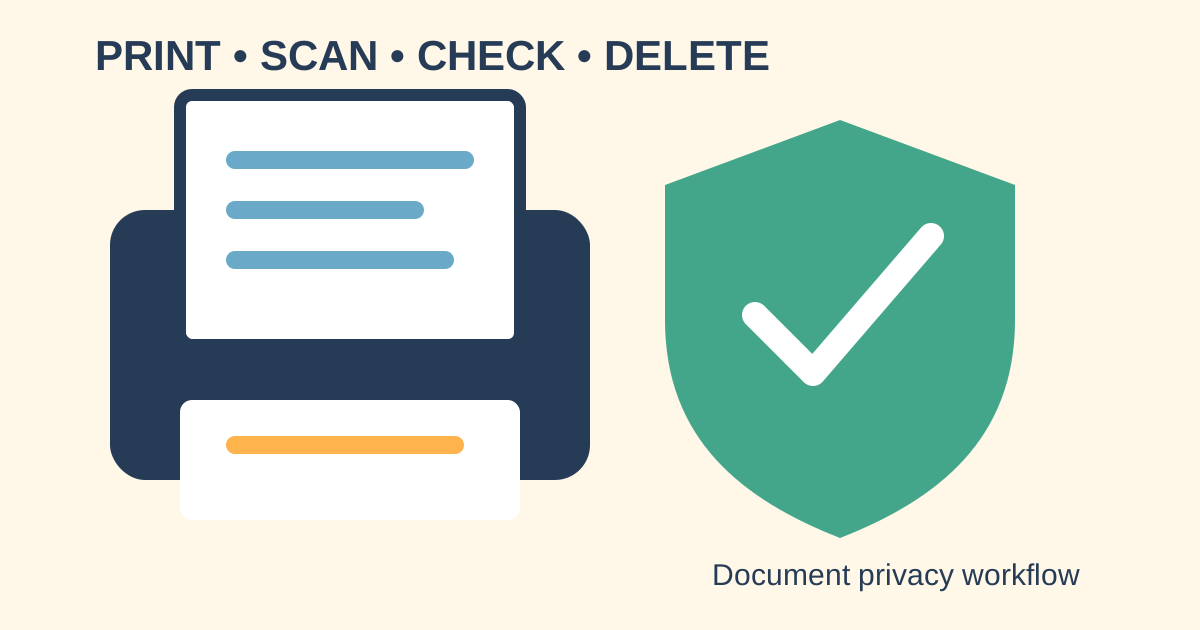
Delete files from the shop computer, print queue, desktop, downloads folder, scanner history, cloud link, and chat thread where you are allowed to do so. Emptying a visible folder may not guarantee permanent deletion, so the safest approach is to disclose the minimum from the start.
Collect misprints and test pages. Shred or securely dispose of sensitive rejected copies instead of putting them intact into an open bin. China’s Personal Information Protection Law is available through the official National Laws and Regulations Database; seek qualified advice for a material privacy incident.
Print and scan checklist
- Recipient’s current format confirmed.
- Only necessary files and pages prepared.
- Transfer channel and retention practice understood.
- Originals counted and kept in view.
- Output checked for scale, order, legibility, and details.
- Misprints and drafts collected.
- Shared copies and transfer links removed where possible.
- Final paper and digital versions stored securely.
Requirements differ by authority, school, employer, bank, hospital, and consulate. The receiving organization decides what it will accept.
Frequently asked questions
Common questions
Where can I print documents in China?
Copy shops, photo studios, office-service stores, some libraries, hotels, campuses, and business centers may help. Search locally and confirm hours and file methods first.
Is a photocopy of my passport safe to leave at a shop?
Identity copies are sensitive. Provide one only for a legitimate purpose, minimize unnecessary pages, supervise handling where possible, and retrieve or securely destroy rejected copies.
Will a phone photo work instead of a scan?
Only if the recipient accepts it. Ask about PDF, resolution, color, page size, file size, and certification before creating the file.
Can a print shop certify or translate a document?
Ordinary printing is not certification or qualified translation. Use the provider and format required by the receiving authority.