Daily Life
Using Mobile Banking on a New Phone in China: A Foreign Resident's Checklist
Move a Chinese mobile-banking app to a new phone safely, with practical steps for identity checks, trusted devices, phone numbers, payment links, and recovery.
Rules and procedures can change. Check the linked official sources before acting on time-sensitive information.
Quick answer
What you need to know
Prepare the old phone, registered mobile number, passport, and bank records before changing devices, then test essential functions while support is still accessible.
- Keep the registered Chinese mobile number active until the new device is fully verified.
- Check the bank's official app and device-removal process instead of following links from messages.
- Expect some transfers or security settings to require extra verification or a branch visit.
- Test login, balance access, transfers, alerts, and linked payments before wiping the old phone.
Moving a Chinese banking app to a new phone can be more involved than reinstalling it. The bank may recognize the device, SIM, mobile number, passport record, login password, or transfer credential separately. Plan the switch while your old phone and registered number still work.
Prepare before the switch
Download updates through the bank’s official app-store listing and record the bank’s official service number. Confirm that you know the login name and password without storing them in an unsecured note. Keep the registered SIM able to receive calls and SMS, and check whether roaming will work if you are leaving China.
Make sure the name, passport number, passport expiry date, and mobile number held by the bank are current. A mismatch can trigger an in-person review. If you recently renewed your passport, follow the new-passport records guide first.
Activate the new device carefully
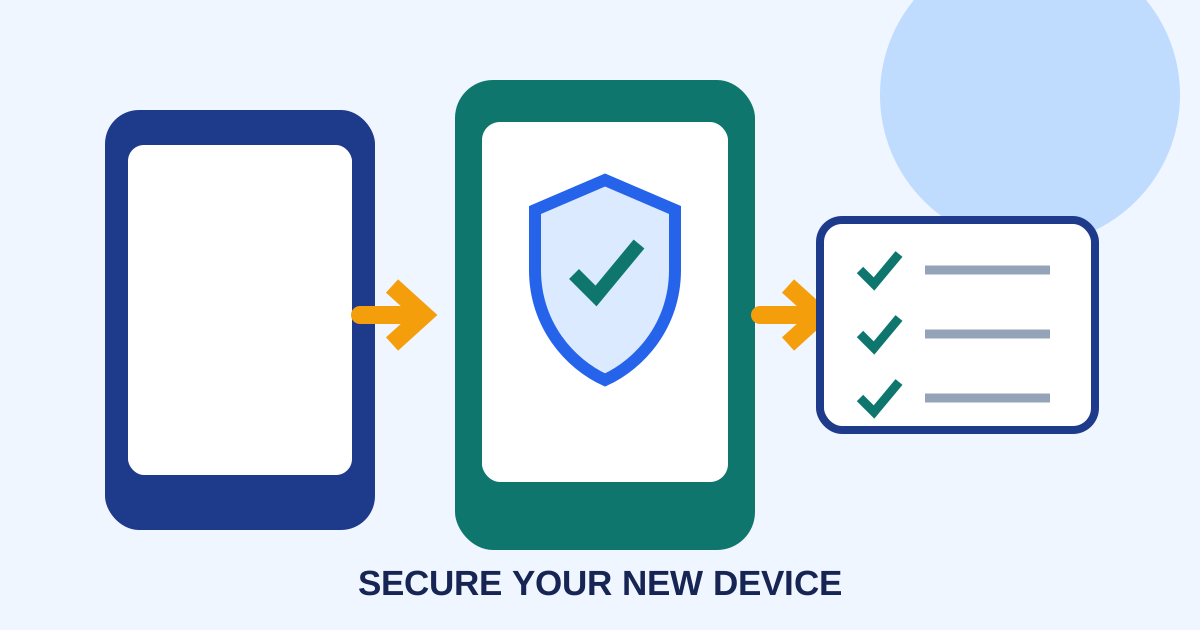
Install only the bank’s official application. Follow its own-device verification flow and read each permission request. The bank may request an SMS code, card details, facial or document verification, or confirmation on the previous device. Requirements differ by bank, account, device, and risk assessment.
Do not share a one-time code or screen with an unsolicited caller. The People’s Bank of China publishes consumer information through its official website; use contact details from your bank’s own app, card, statement, or branch when checking a request.
Test the functions you actually need
After login, check balances, recent transactions, alerts, a small transfer to a known recipient, and any QR-payment controls. Review whether Alipay, WeChat Pay, salary deposits, credit-card repayment, or automatic debits still point to the correct account. The payment-account recovery guide covers separate wallet access.
Some banks apply a temporary transfer limit after a device change. Ask the bank whether branch verification, a security token, or a waiting period applies before rent, tuition, or other large payments.
New-phone checklist
- Registered SIM and old phone remain available.
- Official app and support channel verified.
- Passport and bank identity records match.
- New device login and security settings completed.
- Small transfer, alerts, and linked payments tested.
- Old device removed only after confirmation.
- Backup payment method kept ready.
If activation fails repeatedly, stop before the account is locked and contact the bank through a verified channel. Branch practices and app controls vary, so the bank—not a third-party tutorial—should confirm the current recovery route.
Frequently asked questions
Common questions
Can I activate my Chinese bank app on a new phone while abroad?
Possibly, but SMS delivery, app-store availability, identity checks, and bank risk controls can prevent completion. Ask your bank before travel and keep another way to access funds.
Should I remove the banking app from my old phone first?
Usually wait until the new phone works and the bank confirms how trusted devices are managed. Removing access too early can make recovery harder.
What if my passport number changed?
The bank may need to update its identity record before device activation succeeds. Take the old and new passports, if available, and confirm requirements with the bank.
Is a new phone number the same as a new device?
No. Changing both at once can create two separate verification problems. If possible, complete and confirm one change before the other.