Visas & Residence
Emergency Document Backups in China: A Secure Plan for Foreign Residents
Build secure paper and digital backups of passports, permits, insurance, housing, work, school, and medical records for emergencies in China.
Rules and procedures can change. Check the linked official sources before acting on time-sensitive information.
Quick answer
What you need to know
Keep a minimal encrypted digital set, a protected paper set, and an offline contact sheet, while ensuring copies are current, access-controlled, and never presented as substitutes for originals.
- Back up the records that help you identify yourself, obtain care, contact authorities, and recover accounts.
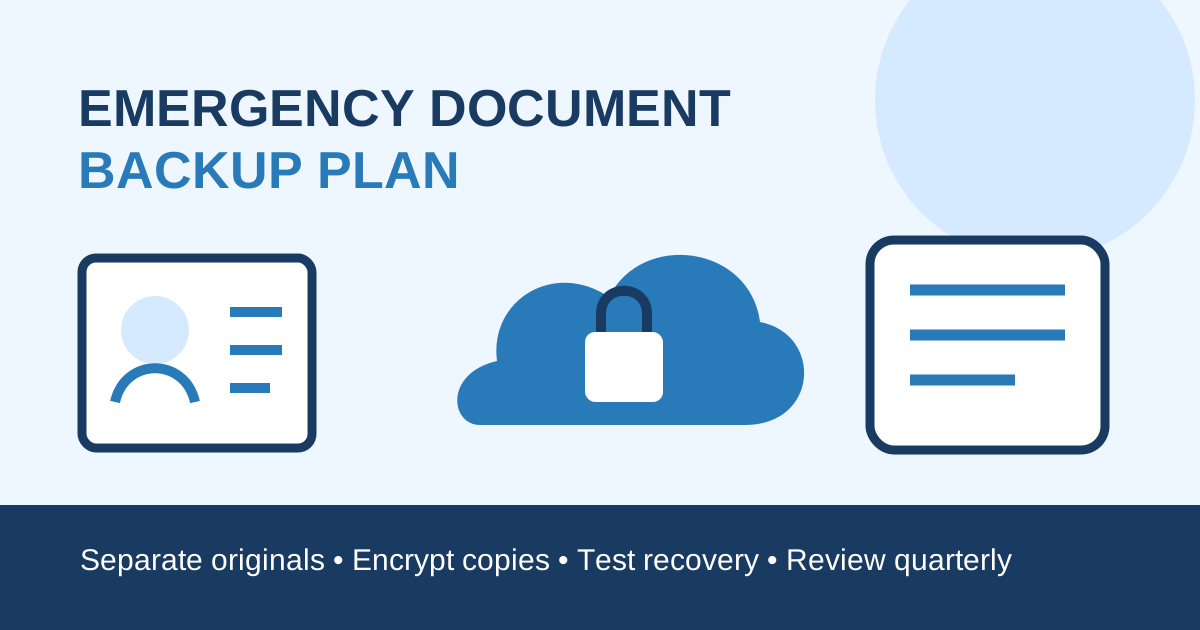
- Separate originals, paper copies, and encrypted digital copies so one incident cannot remove all three.
- Protect copies because they contain enough data for fraud or account recovery.
- Update the set after passport, permit, address, job, school, policy, or phone changes.
A good backup set helps after a lost bag, damaged phone, hospital admission, evacuation, or urgent trip. It should reveal only what is necessary and remain accessible when your usual device, network, or account is unavailable.
Choose the minimum useful records
Create a current list of passport identity page, visa and residence permit, work permit card details where relevant, accommodation record, lease address, insurance card and assistance number, essential prescriptions, employer or school contacts, and embassy or consulate contact.
Add bank and mobile-provider loss-reporting numbers, but never store a PIN, full password, one-time recovery code, and matching account details together. The consular emergency plan explains what a consulate can and cannot normally do.
Foreign missions and contact details can change. Use China’s Ministry of Foreign Affairs foreign missions directory and your own government’s official site to verify current information.
Separate the three layers
Keep originals in their appropriate secure place and carry them only when required. Store one limited paper set in a water-resistant pouch away from the originals. Maintain an encrypted digital set with strong authentication and an account-recovery route that does not depend solely on the phone you carry.
For family members, decide which responsible adults can retrieve the pack. Do not leave full identity files openly accessible to visitors, domestic workers, colleagues, or shared-device users. A sealed contact card with minimal information may be better for a child or everyday bag.
Make copies usable
Scan pages flat, in color, with all edges and numbers readable. Use clear filenames with person, document type, and expiry date. Include both sides of cards when relevant and keep the issuing authority and loss-reporting reference.
Copies are evidence aids, not replacement documents. Police, immigration, banks, hotels, hospitals, airlines, and other organizations decide whether they need the original, an authenticated copy, translation, or additional verification.
The name consistency guide helps prevent mismatches across documents.
Protect the digital set
Use device encryption, a strong unique password, multi-factor authentication, and account alerts. Test access from a second trusted device without leaving decrypted files behind. Review which apps automatically upload photos and whether shared albums, downloads, or backups expose identity pages.
When sending a copy, verify the recipient and purpose, use the approved channel, and consider adding a purpose-and-date watermark when the recipient accepts it. Retain a short disclosure log and delete temporary copies from scanners, print shops, downloads, and shared chats.
Prepare for loss or theft
Write the sequence: secure payment accounts and SIM, report the loss, contact the issuing authority or consulate, obtain any required police record, and coordinate immigration or employer updates. The lost passport guide gives a step-by-step recovery path.
Do not publish a lost document image on social media. Share only the facts requested through official channels and preserve case numbers.
Review every quarter
Set reminders for passport, permit, insurance, prescription, school, and lease expiry. Replace obsolete copies after a new passport, residence permit renewal, move, job change, new phone number, or family change. Securely destroy expired paper copies and remove redundant digital versions.
Backup checklist
- Identity and permit pages are current and readable.
- Emergency, consular, insurer, employer, and school contacts verified.
- Originals, paper copies, and digital copies are separated.
- Digital folder encrypted with tested recovery access.
- No PINs, passwords, or recovery secrets stored with account data.
- Family access and privacy rules agreed.
- Loss-reporting order written offline.
- Quarterly and life-event reviews scheduled.
Document acceptance and reporting requirements vary by authority and situation. Confirm critical steps with the issuing authority, your employer or school, insurer, consulate, and qualified adviser.
Frequently asked questions
Common questions
Can a passport photocopy replace the original in China?
Usually not where an original identity document is required. A copy can help report loss and retrieve details, but the receiving authority decides what it accepts.
Should I keep passport scans in ordinary email or chat?
Avoid uncontrolled storage. Use encrypted, access-controlled storage, strong authentication, and a recovery method that still works if your phone is lost.
Which records belong in an emergency pack?
Prioritize identity and permit details, consular and emergency contacts, insurance and medical essentials, housing address, employer or school contacts, and account-blocking numbers.